 Admin
Admin
 03-04-2026
 CPWD Contractor
The Central Public Works Department (CPWD) is one of India’s most prestigious government construction bodies, responsible for executing and maintaining infrastructure projects for central government offices, public buildings, residential complexes, hospitals, and educational institutions. To participate in CPWD tenders, contractors must complete the CPCW contractor registration , which is now largely handled through an online process.
In this detailed guide, we’ll explain in simple steps how to apply for CPWD contractor registration online. But along with registration, ensuring proper documentation and eligibility criteria are essential to complete the registration process on time. In this guide, we’ll help you with additional details about eligibility and common mistakes one must avoid to get registration within timelimit.
CPWD contractor registration is a legal requirement if a contractor, firm, or any company wishes to bid for government tenders. Official registration not only ensures credibility but also makes sure more experienced and qualified contractors get to complete the government projects.
Thus, to be able to take part in government bidding, proper registration and a license are prerequisites.
.jpg "CPWD Contractor Registration")
Before applying online, it is important to understand the contractor categories:
Your eligibility, experience, and financial strength determine the class you can apply for.
Also Read: Difference Between CPWD Contractor Classes I, II, III, IV & V and Eligibility Criteria
.jpg "who can apply CPWD Registration")
The following entities can apply:
Applicants must meet CPWD’s technical, financial, and experience requirements.
Also read: How to Process CPWD License Step-by-Step Guide
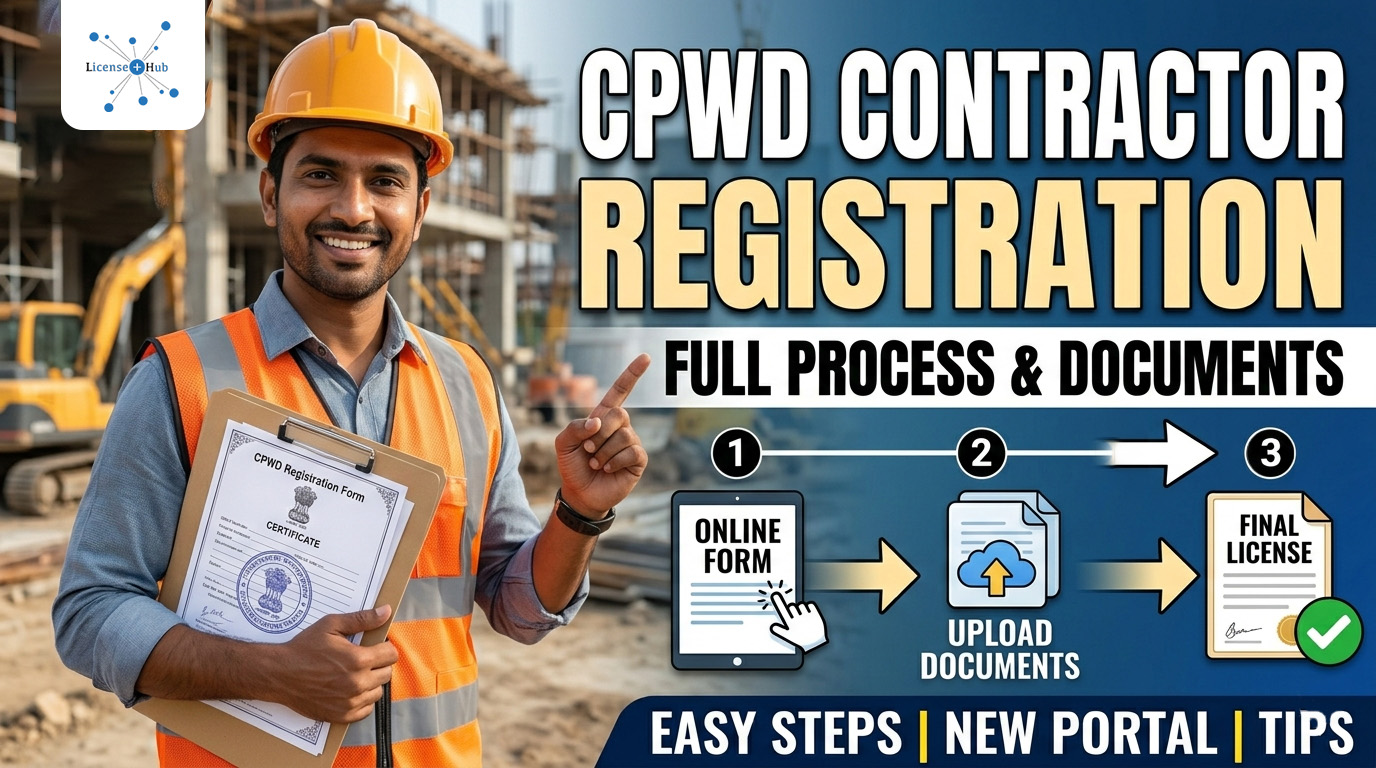
Eligibility varies by contractor class, but generally includes:
| Technical Eligibility | Financial Eligibility | Legal & Compliance |
| Relevant construction experience | Minimum annual turnover | PAN card |
| Completed works of the required value | Sufficient net worth | GST registration |
| Qualified technical staff (engineers/supervisors) | Solvency certificate from a nationalised bank | Income tax returns |
Applying for a higher class without eligibility may lead to rejection.
Prepare all documents in advance. This will ensure that the chances of rejection of your registration due to delayed document submission is minimum to none.
Common Documents Required:
All documents must be self-attested and uploaded online.
Visit the official CPWD contractor registration portal.
Account Creation Process:
Once registered, you can access the application dashboard.
After login, choose:
Ensure the selected class matches your experience and financial capability.
Carefully complete the application form with accurate details.
Information Required:
Any mismatch between the entered details and documents can cause rejection.
Records of documents are the most important part of the CPWD registration. Make sure to upload scanned copies of all documents in the prescribed format and size.
Important Tips:
Incomplete uploads are a common reason for application rejection.
After completing the form, proceed to payment.
Registration Fee Includes:
Payment modes usually include: Net banking, Debit/Credit card, or through departments Online payment gateway. Also, make sure to keep the payment receipt for reference.
After submission, the Central Public Works Department verifies documents, evaluates experience and financial capacity, and checks compliance. Officials may approve, seek clarification, or reject the application. Applicants must regularly monitor their registered email and portal for updates.
If queries are raised, respond within the deadline, upload corrected documents, and provide clear explanations. Delay or non-response may result in rejection of the application.
Upon successful verification, CPWD approves the registration and issues the certificate online, generally valid for five years. Contractors can download it and begin bidding for CPWD tenders.
Also Read: CPWD Contractor License – Enlistment Made Easy with The License Hub
Yes. Contractors can upgrade their class. Many contractors start with Class-V and gradually upgrade. But they must fulfil certain criteria (as per the CPWD work manual 2026):
To conclude, we can say a CPWD contractor license is important if you’re aiming to take part in a tender to get a government project. But the basic requirement for this is having a valid and legal CPWD contractor license. One can apply for registration via CPWD’s official portal. This online registration process is a simpler and more transparent process to ensure proper quality execution of government projects.
Though in this guide we’ve already explained in detail the step-by-step process for registration if you’re a new contractor and first-time applying for registration, it is recommended that you register under the guidance of an expert guidance who has years of experience in the licensing process.
